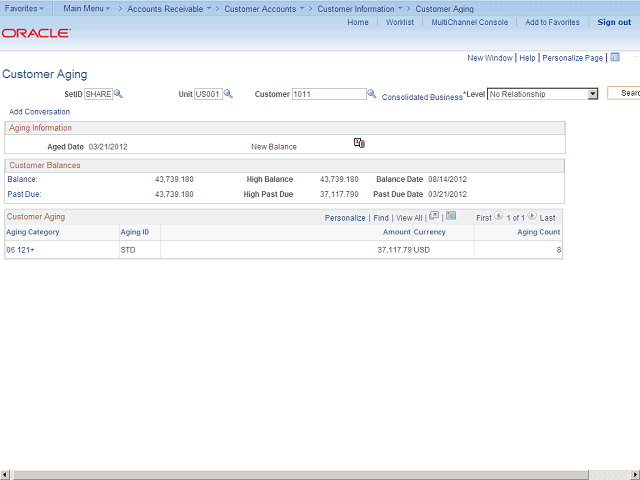
The Aged Date field displays the system date from the beginning of the aging run.
For example, if the Aging process starts at 11:58PM on September 12 and ends at 12:01AM on September 13, the aged date is September 12.
Next Step
Table of Contents Topic Overview Press Alt + Left Arrow to return to the previous page