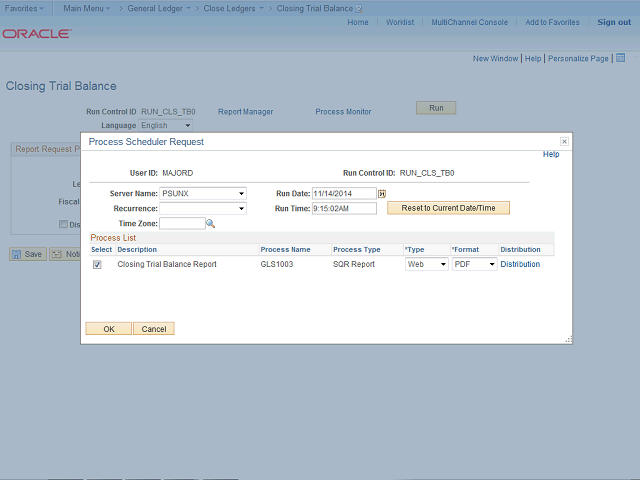
Use the Type list to select the type of output you want to generate for this job.
Your four choices are:
*File: This enables you to write the output to a file that will appear in the output destination.
*Printer: You can enter a custom printer location if you have the appropriate security access.
*Email: You can enter the destination information to send to a particular email recipient(s). Note that Email is available only for SQR and PS/nVision.
*Web: Sends all output of the process to the report repository, including log and trace files.